
What Do You Need Before Installing AkiDevRule?
You need Node.js 18 or newer: the installer is one Node program that behaves the same on macOS, Linux and Windows, with no WSL or Git Bash. Python 3.7+ is only needed for the akiflow skill helper scripts, not for installing. For what the product is, see What Is AkiDevRule and the AkiDevRule project page.
How Do You Install AkiDevRule With One Command?
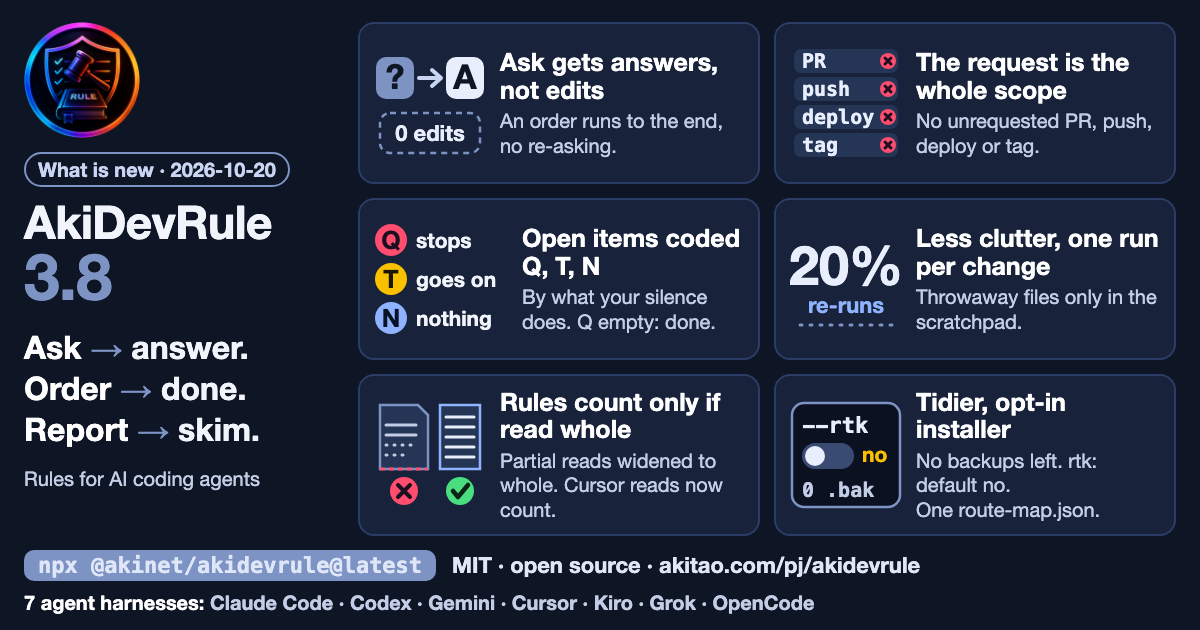
npx @akinet/akidevrule@latestnpx always fetches the latest published version (now 3.8.0, Release 3.8.0), so the first install and an update are the same command. If you would rather read before running, use the shell one-liner:
curl -fsSL https://raw.githubusercontent.com/lacvietanh/akidevrule/master/install.sh | bashOn Windows without npm, clone the repository and run the installer directly:
git clone https://github.com/lacvietanh/akidevrule.git
cd akidevrule
.\install.ps1
# or: node install.mjs
What Does the Installer Do on Your Machine?
- Copies the whole rule set into
~/.aki/akidevrule/, removes stale renamed files, touches nothing else in that folder. - Copies the 11 skills into each tool's skill folder present on the machine:
~/.claude/skills/(Claude Code),~/.gemini/config/skills/(Antigravity),~/.agents/skills/(Codex, Cursor),~/.kiro/skills/(Kiro),~/.grok/skills/(Grok). Other skills you already have are kept. - Copies the 5 agent files into
~/.claude/agents/one at a time, never deleting your own agents. - Replaces
~/.claude/CLAUDE.mdwith the packaged version and creates~/.claude/CLAUDE.local.mdonly if missing, so your per-machine rules survive every reinstall. - Updates
~/.claude/settings.json(read permission for the rules, plus the hooks that announce new versions and check a rule was read before an edit).
Since 3.8 the installer no longer leaves *.akidevrule-backup-* files behind after a run. If the rtk output compressor is on your machine, the installer asks once whether to write a safe rtk config; the default is no (add --rtk to say yes up front). No step needs sudo.
How Do You Know AkiDevRule Installed?
Run npx @akinet/akidevrule@latest --check: it prints the installed version against the latest and changes nothing. Then open Claude Code and look for an @-import line pointing at ~/.aki/akidevrule/ in ~/.claude/CLAUDE.md. In a session, the agent's first reply opens with a [RULES] line naming the rules currently loaded.
How Do You Update AkiDevRule?
Re-run npx @akinet/akidevrule@latest. A session-start hook only announces a newer version (at most once every 24 hours); it never downloads or installs anything.
How Do You Uninstall AkiDevRule?
Remove the rule folder and the skills, agents and hooks it copied:
rm -rf ~/.aki/akidevrule
rm -rf ~/.claude/skills/{akirule,akiflow,akithink,akihtmlreport,akihelp,akigitcommit,akilint,akiopen,akiship,aki-article-writer,akidevsync-notes}
rm -f  ~/.claude/agents/aki-{hands,judge,conduct,challenger,maker}.md
rm -f  ~/.claude/hooks/aki-update-check.mjs ~/.claude/hooks/aki_version_check.mjs ~/.claude/hooks/aki-route-guard.mjs ~/.claude/hooks/aki-compact-reread.mjs
Then delete the AkiDevRule block in ~/.claude/CLAUDE.md and its related entries in settings.json for a full cleanup. The full per-tool list is in the README on GitHub; the package is on npm. To see how rules get loaded, read How AkiDevRule's rule corpus and skills load.